Getting started
How to get started with Little Gift List
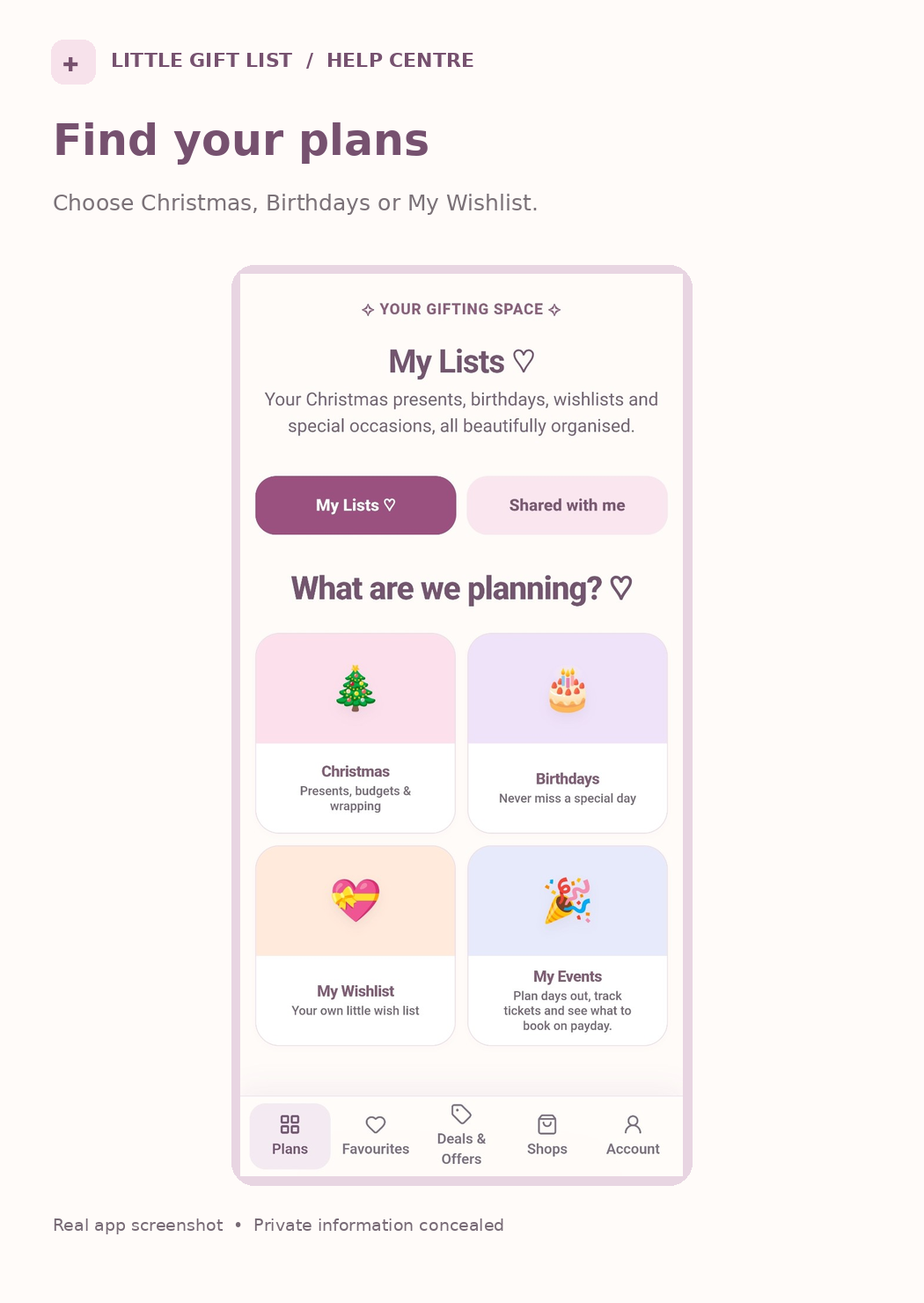
You can begin planning gifts as a guest. Open Plans to find Christmas, birthdays and your personal wishlist.
Step by step
Open Little Gift List and choose the available start option. You can start planning without registering immediately.
Open Plans or My Lists to choose Christmas, Birthdays or My Wishlist.
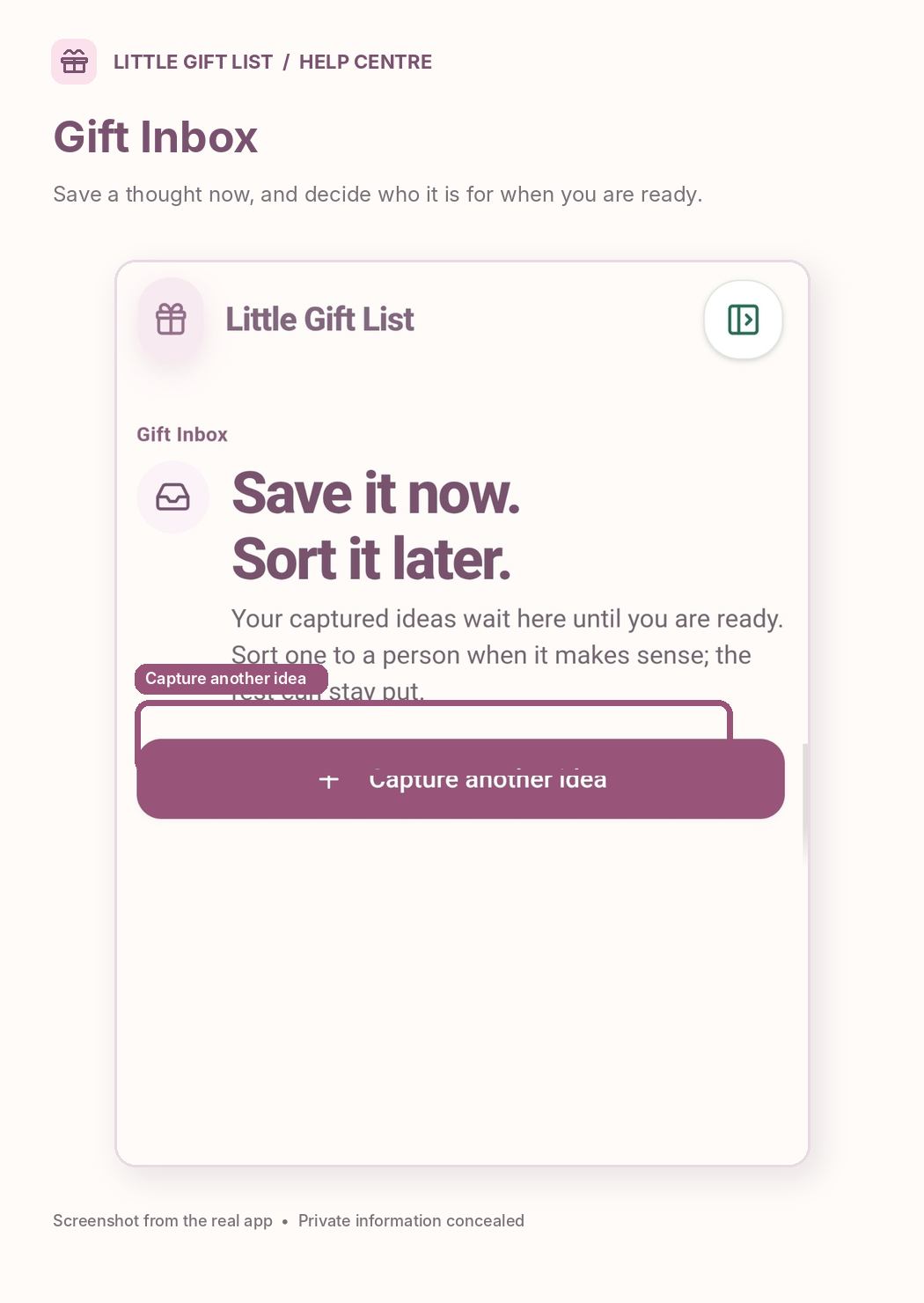
Add a person or your first gift idea. Enter only the details you know.
Save the idea and return when you want to update its price, status or occasion.
Register when you need supported account features such as private sharing or using multiple devices. Guest information is not automatically shared across devices.
What you should see
You can return to Plans and find the lists or ideas you have saved on your current account or device.
If it doesn't work
Help tip 1
Guest access and registered sharing work differently; private invitations require registered accounts.
Help tip 2
If you cannot find a screen, use Plans in the bottom navigation.
Help tip 3
If a registration or password step looks different, follow the current on-screen instructions rather than assuming an email creates a password automatically.
Ready to try it?
Open PlansPrivate planning pages may ask you to sign in or use your existing guest session.
Still need a hand?
Tell us what you were trying to do. You can send a support request without signing in.
Contact support