Christmas & birthdays
How to organise Christmas gifts
Keep the people you buy for, gift ideas, budgets and present progress together in one Christmas planner.
Step by step
Choose Christmas from My Lists.
Open an existing person or choose Add person to create a recipient.
Add a gift idea or import a product link and check the chosen recipient.
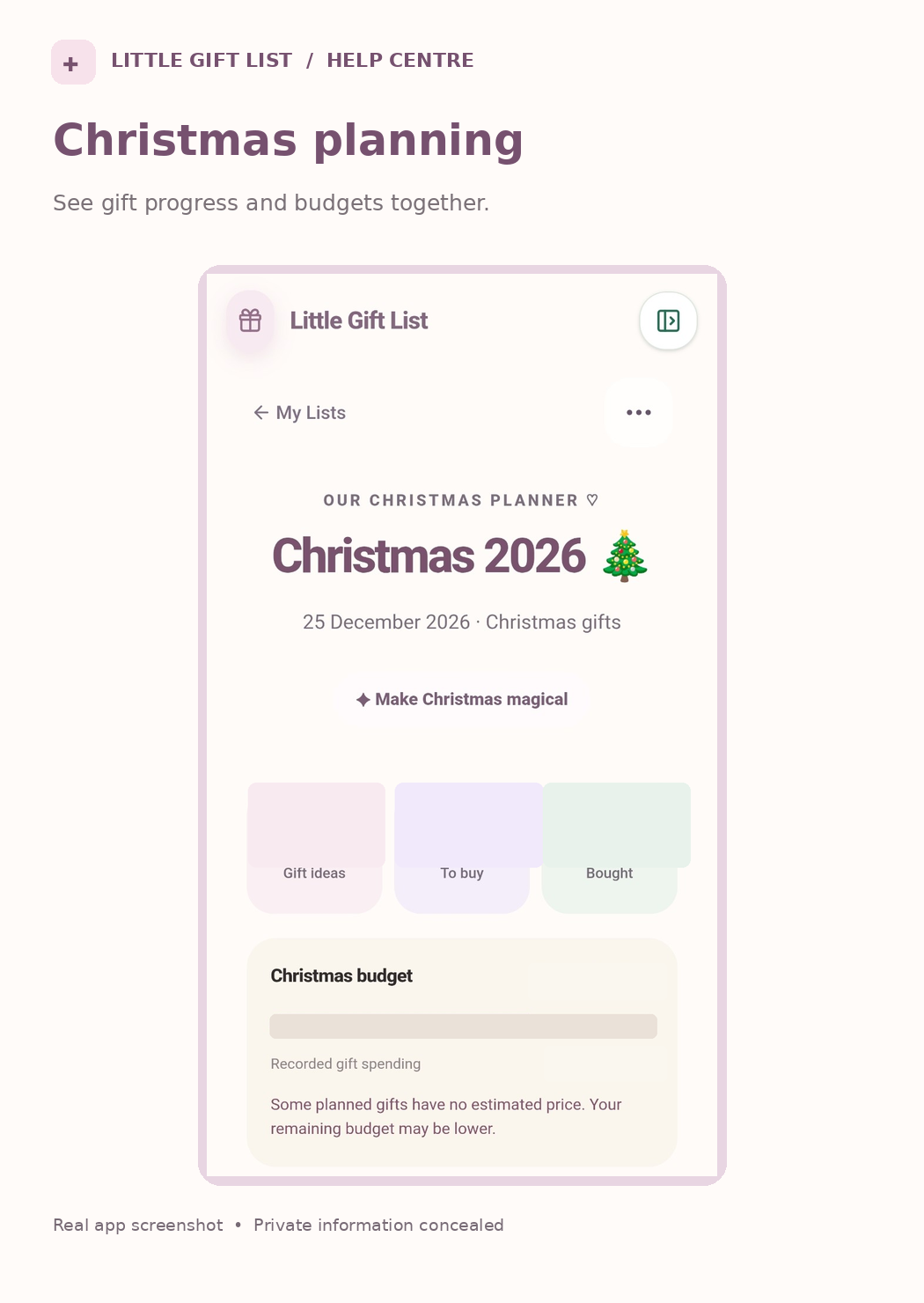
Add a planned price when known, then use the summary to see ideas, gifts left to buy and bought items.
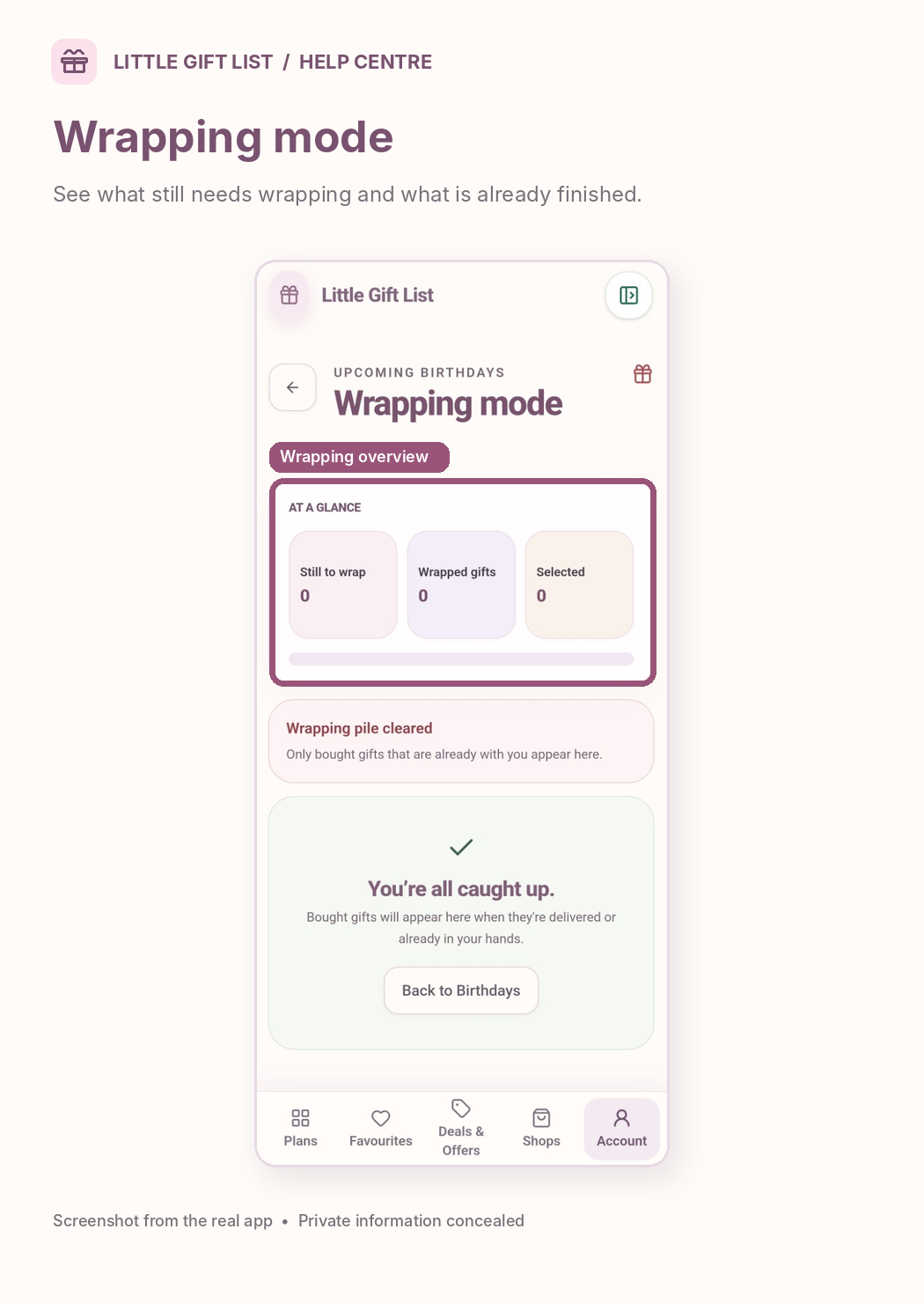
Update the gift when it has been purchased, and use Wrapping Mode for bought gifts that are ready to wrap.
What you should see
The Christmas overview reflects the people and gifts you have recorded, including their current progress.
If it doesn't work
Help tip 1
Ideas without prices may make the available budget appear more generous than it is.
Help tip 2
If you cannot find a gift, check the correct person and occasion year.
Help tip 3
An idea that is not yet assigned can be kept in Gift Inbox instead.
Ready to try it?
Open Christmas PlannerPrivate planning pages may ask you to sign in or use your existing guest session.
Still need a hand?
Tell us what you were trying to do. You can send a support request without signing in.
Contact support