Christmas & birthdays
How to plan birthday gifts
Birthdays helps you see upcoming celebrations, keep ideas for each person and follow what is left to buy.
Step by step
Open Birthdays from My Lists.
Choose the person you are planning for, or add them if they are missing.
Check the occasion date and planning status.
Add gift ideas and, if useful, a spending budget for that birthday.
Mark purchased gifts as bought and revisit the plan as the date approaches.
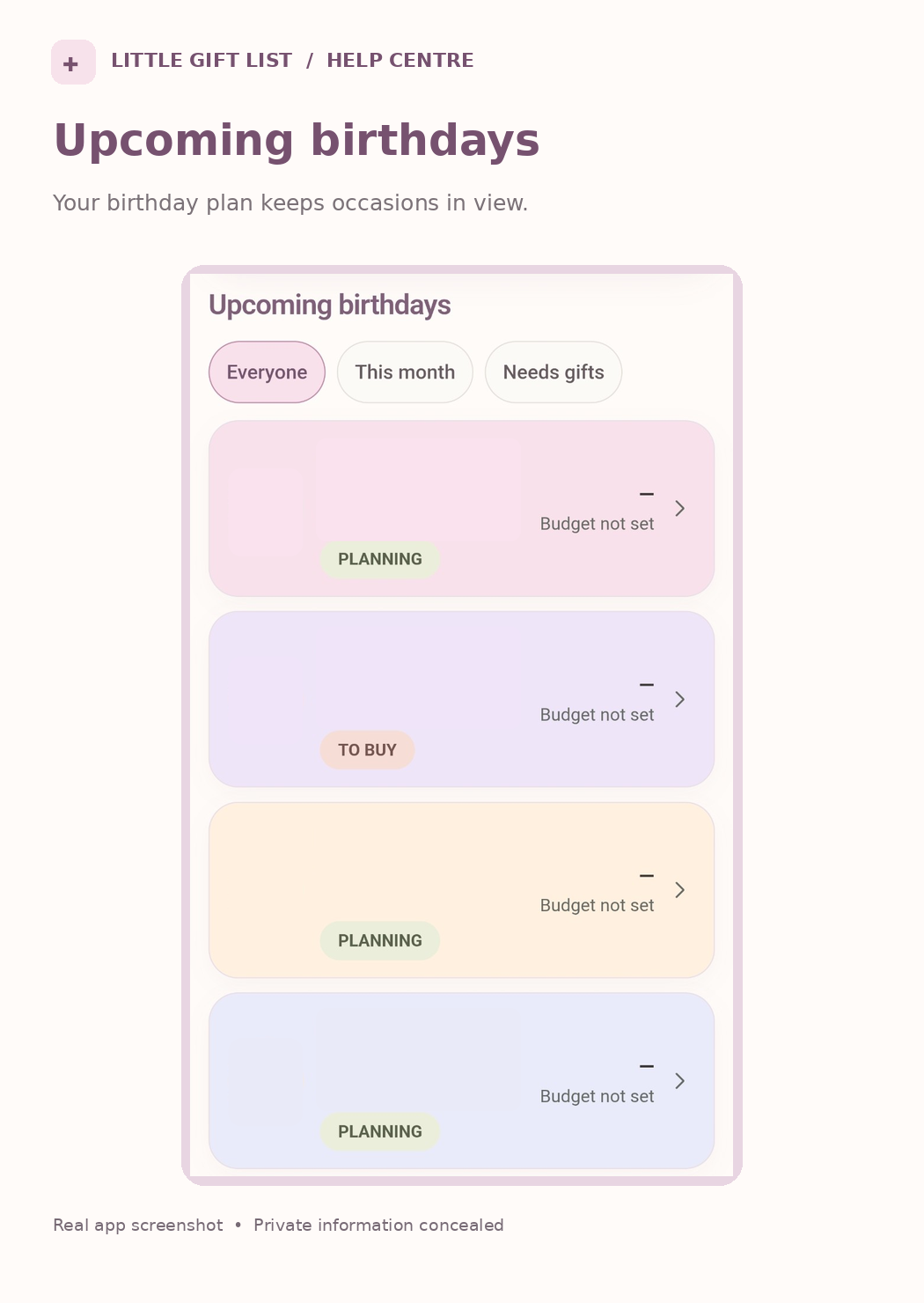
What you should see
Your upcoming birthday plan shows the person and the gift ideas or tasks linked to their occasion.
If it doesn't work
Help tip 1
If the countdown or age looks unexpected, check the stored birthday information and which year is displayed.
Help tip 2
A gift can be saved without a person using Gift Inbox when that option is available.
Help tip 3
If you cannot see a budget, check the person or occasion’s Budget & ideas section.
Ready to try it?
Open BirthdaysPrivate planning pages may ask you to sign in or use your existing guest session.
Still need a hand?
Tell us what you were trying to do. You can send a support request without signing in.
Contact support