Budgets & shopping
How to create and change gift budgets
Budget controls help you compare the spending limit with recorded purchases and prices still to plan.
Step by step
Open the appropriate Christmas or birthday plan.
Open the recipient’s Budget & ideas section, or the occasion’s budget summary.
Enter or adjust the available budget limit using the controls shown for that plan.
Add estimated prices to gift ideas when known. Unknown prices should remain unknown rather than assumed to be zero.
Record actual amounts paid for bought gifts and review what remains.
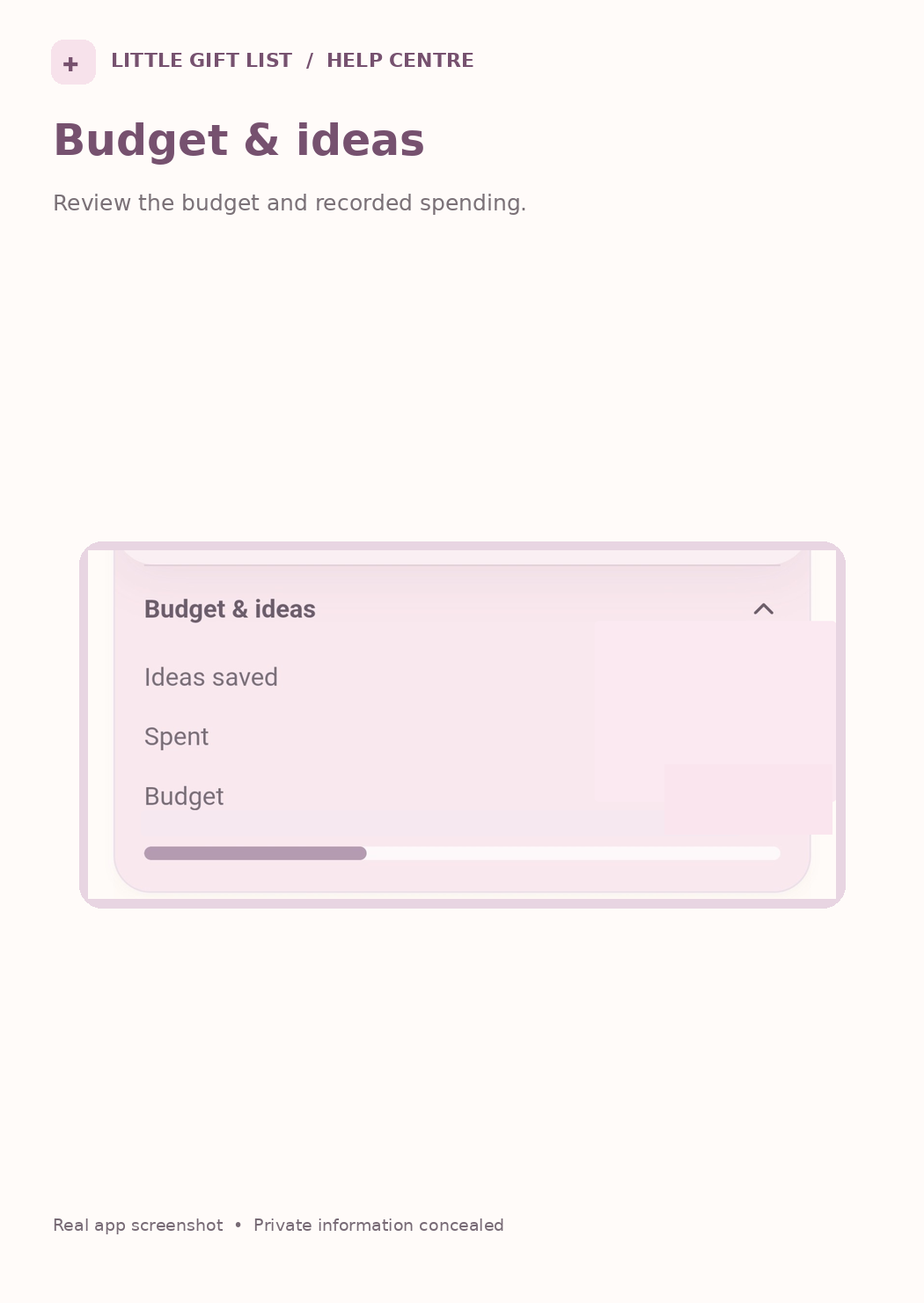
What you should see
The budget summary reflects saved limits and actual spending. Unknown prices stay unestimated until you add them.
If it doesn't work
Help tip 1
A remaining figure may differ from the headline budget minus paid purchases when planned gifts still have unknown costs.
Help tip 2
Estimated and paid prices are different; check which measure the screen is showing.
Help tip 3
If you cannot change a particular budget, open the relevant person or occasion rather than assuming all summary totals are editable.
Ready to try it?
Open PlansPrivate planning pages may ask you to sign in or use your existing guest session.
Still need a hand?
Tell us what you were trying to do. You can send a support request without signing in.
Contact support