Sharing & family
How private family sharing works
Sharing selected gifts, sharing your personal wishlist and inviting a household co-planner are different permissions. Choose the one that matches what you want to share.
Step by step
For a personal wishlist, use its Share panel and a private one-time invitation.
For a shared Christmas or birthday plan, review which people or gifts the app says will be visible before creating access.
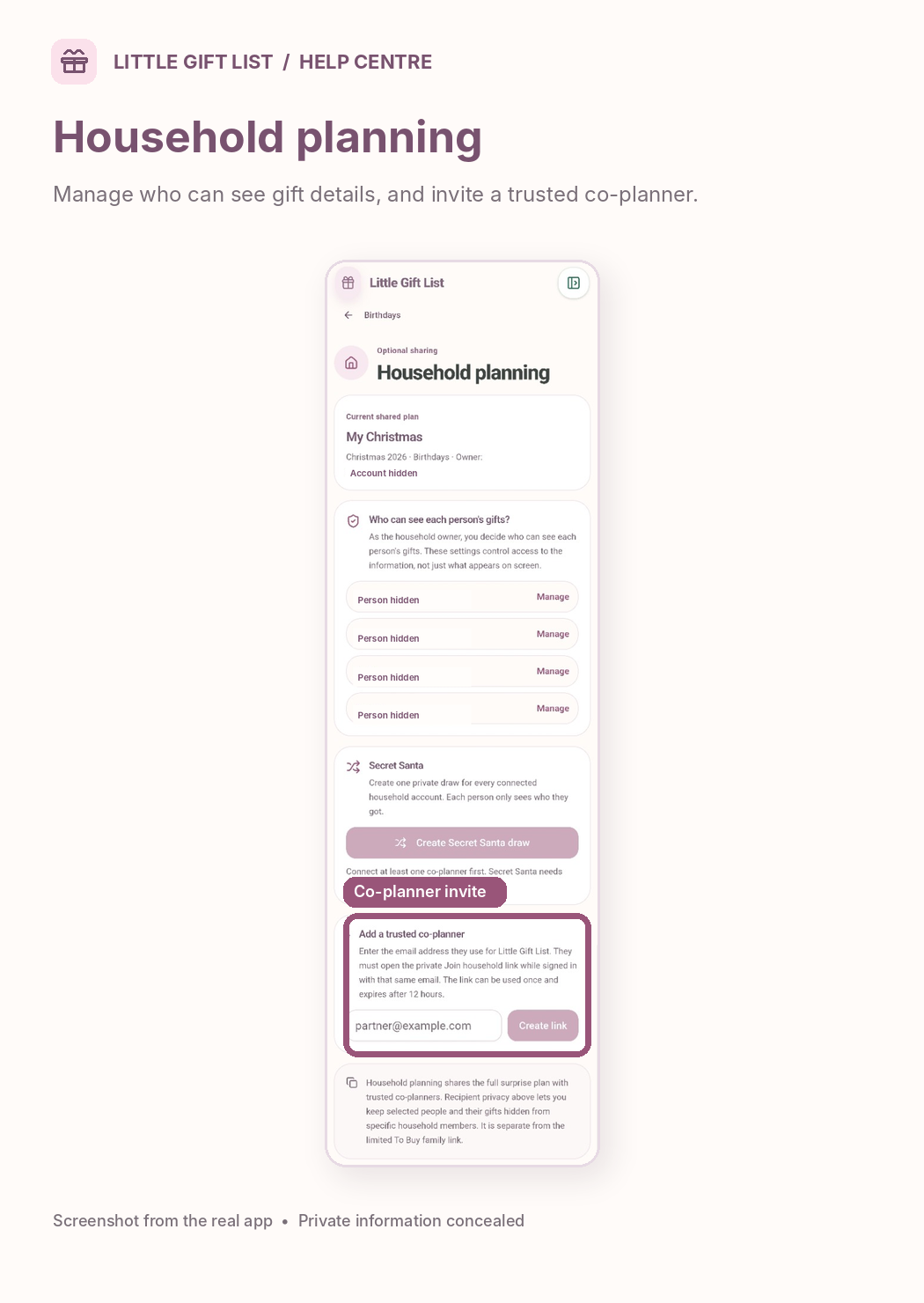
For Household planning, open the relevant plan and manage visibility for individual people.
If needed, invite a trusted co-planner using their registered account email and the current household invitation controls.
Review the list of people who have access. Remove an invitation or permission you no longer want active.
What you should see
Your shared plan shows the recipients and people you have granted access to, using the permissions you selected.
If it doesn't work
Help tip 1
Do not assume someone invited to one wishlist can see all your lists.
Help tip 2
Household collaboration can reveal more of a shared plan than a limited wishlist invitation. Only invite people you trust.
Help tip 3
Purchases made on retailer websites are not automatically recorded in the app.
Ready to try it?
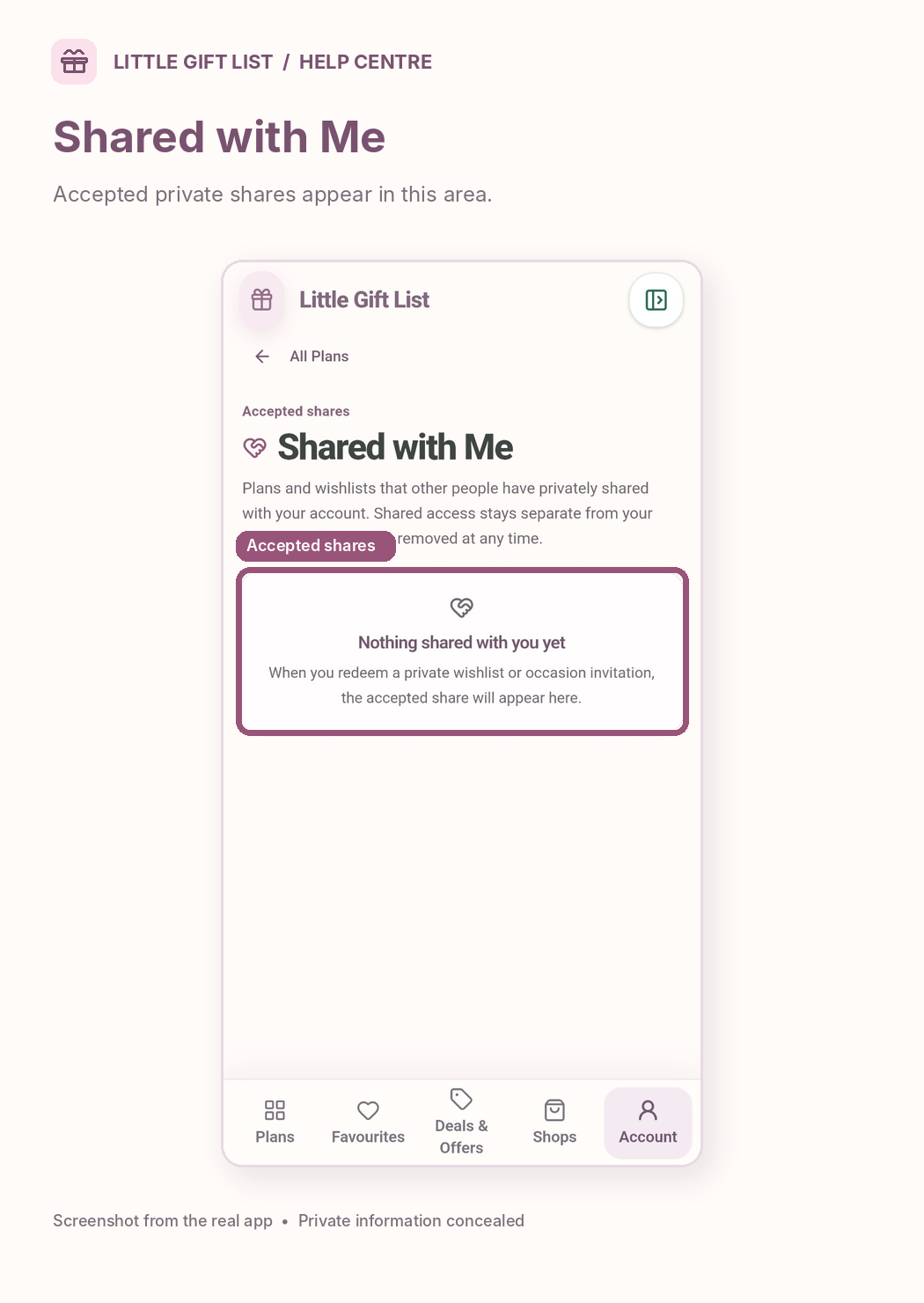
Open Shared with MePrivate planning pages may ask you to sign in or use your existing guest session.
Still need a hand?
Tell us what you were trying to do. You can send a support request without signing in.
Contact support