Saving gifts
What to do when gift details are missing
Retailer redirects or tracking links can stop Little Gift List from recognising an exact name, photograph or price. You can review and correct the details before saving.
Step by step
Check the original product on the retailer’s website, making sure it is the actual item rather than a shop homepage.
Open Quick Capture or Import Gifts and check the suggested name, price, photograph, retailer and web link.
Edit missing or incorrect values manually, using the details shown by the retailer.
Keep a working product link with the saved gift. Do not assume a detected price is still current.
Save the idea and check it appears in the intended plan or Gift Inbox.
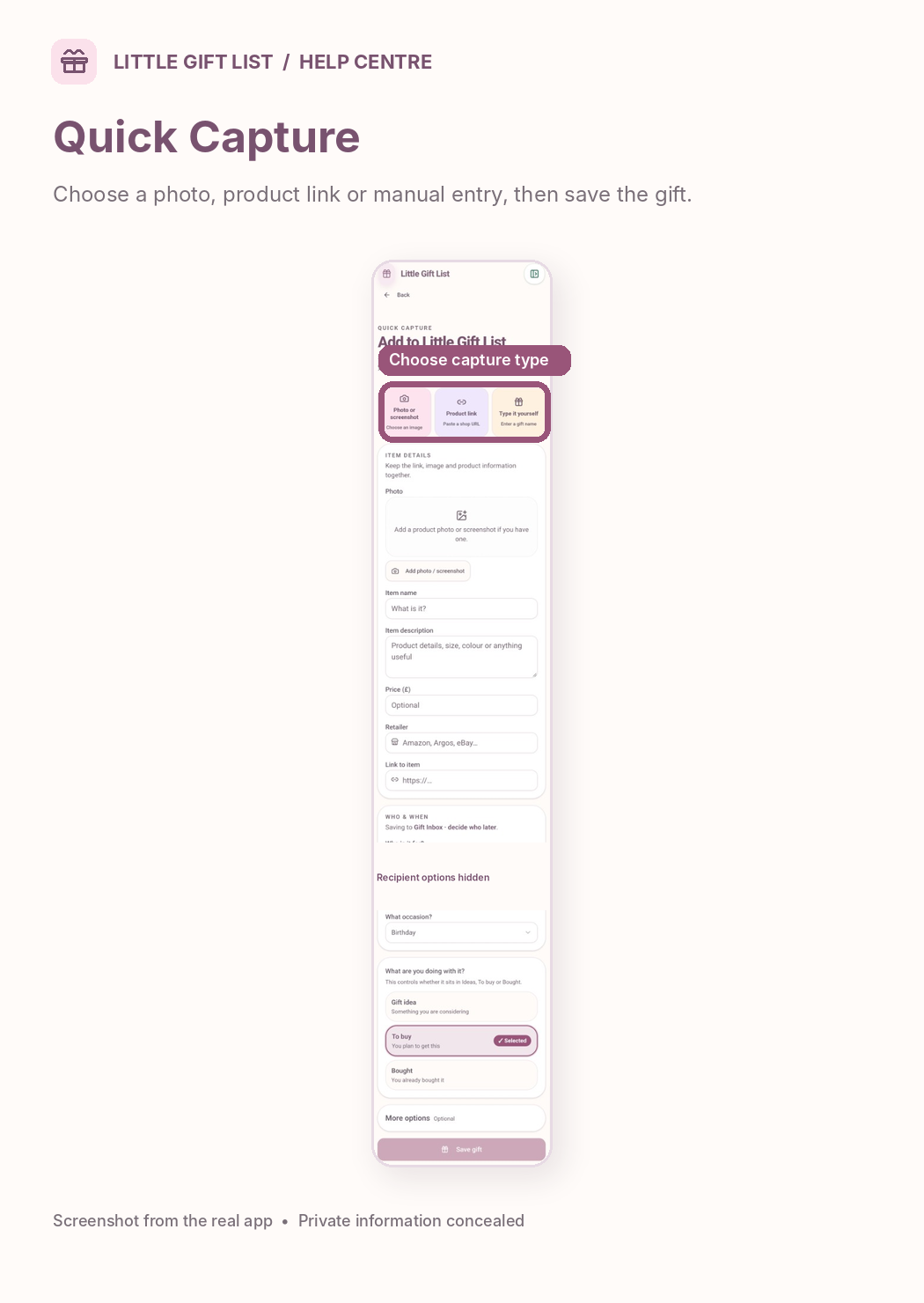
What you should see
The saved item contains the details you checked or entered, including a working product link where possible.
If it doesn't work
Help tip 1
Affiliate or tracking URLs, including some Awin links, can make automatic extraction unreliable. Do not remove tracking parameters indiscriminately.
Help tip 2
If no photograph appears, save the idea without one or add a permitted photo manually.
Help tip 3
If the link leads to a different product, return to the retailer’s specific product page before trying again.
Ready to try it?
Open Quick CapturePrivate planning pages may ask you to sign in or use your existing guest session.
Still need a hand?
Tell us what you were trying to do. You can send a support request without signing in.
Contact support